

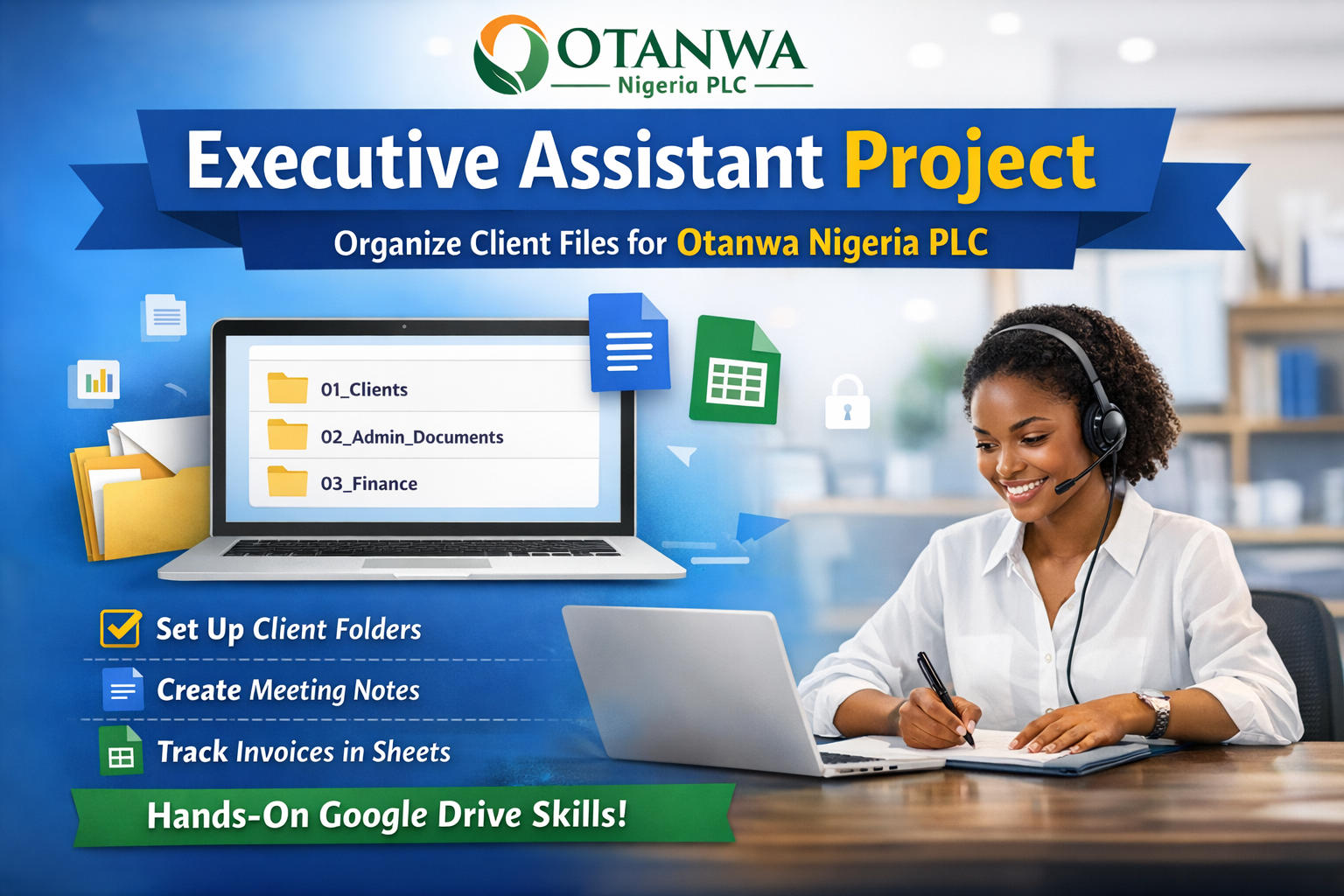
Executive Assistant File Management Project
Project Scenario
You have been hired as an Executive Assistant at Otanwa Nigeria PLC, a consulting and services company that manages documents for multiple corporate and individual clients.
Otanwa Nigeria PLC currently has poorly organized files, mixed client documents, and no standard naming or folder structure.
Management has asked you to restructure their Google Drive, create new working documents, and ensure everything is easy to find, professional, and secure.
Client Portfolio (Use These Clients)
Otanwa Nigeria PLC works with the following clients:
- GreenFields Agro Ltd
- Sunrise Microfinance Bank
- Zenco Logistics
- PrimeView Real Estate
- NovaTech Solutions
Project Tasks
Task 1: Create Folder Structure in Google Drive
Inside My Drive, create a main folder named: *Otanwa Nigeria PLC*
Inside this “Otanwa Nigeria PLC* folder, create the following subfolders:
- 01_Clients
- 02_Admin_Documents
- 03_Finance
- 04_Meetings_Reports
- 05_Templates
Task 2: Organize Client Files
Inside the 01_Clients folder:
Create one folder for each client using this format:
Inside each client folder, create the following subfolders:
Contracts
Invoices
Reports
Correspondence
Task 3: Create Google Docs (Per Client)
Inside the Correspondence folder of each client, create a Google Doc titled: (Example below)
**GreenFieldsAgro_Meeting_Notes**
Each document must include:
Title (Client Name + Meeting Notes)
Date of meeting
Attendees
Discussion Summary
Action Items
Task 4: Create Google Sheets (Per Client)
Inside the Invoices folder of each client, create a Google Sheet titled: (Example below)
ZencoLogistics_Invoice_Tracker
The sheet must contain these columns:
Invoice Number
Date Issued
Client Name
Service Description
Amount (₦)
Payment Status
Task 5: Create a Master Client Tracker
Inside the 02_Admin_Documents folder, create a Google Sheet named: (Example)
Otanwa_Client_Database
Columns should include:
Client Name
Industry
Contact Person
Email Address
Phone Number
Active Status (Yes/No)
Task 6: Create Reusable Templates
Inside the 05_Templates folder:
Meeting Notes Template (Google Doc)
Invoice Template (Google Sheet)
These templates should be clean, professional, and reusable for future clients.
Task 7: File Naming & Organization Rules
Students must follow these rules:
No spaces at the beginning of file names
Use underscores instead of random symbols
No files should sit loosely in the main folder
Every file must be inside the correct folder
Task 8: Sharing & Permissions
Share the Otanwa Nigeria PLC folder with the instructor
Set permission to Viewer or Editor (as instructed)
Ensure no files are set to “Public on the web”
Submission Requirements
Students must submit:
Shareable Google Drive link to the main folder
Confirmation that all folders and files follow instructions
A short Google Doc titled: Executive_Assistant_Project_Report
Deadline: 21 January 2026
As someone that have not gone through this type of training or used computer to this extent, it is very tasking. But, am committed to graduate excellently.
This is a bit tasking but am determined to pull through.
Done successfully.
Congratulations Dear Stranger
This is really a great task to help us pratice,prepare and be ready when we get to face real clients.Thank you Mr Otanwa
I have done mine. It’s not really hard but creating reuseable Invoice template was quite tasking
Lovely initiative with real hands on experience. Keep it up
What is learning without practicing? Am in to attempt this cause I know if I make mistakes I get corrected and that is how I will grow in my chosen skillset
Wow, this is quite challenging and encouraging as well. The most beautiful part of this whole project is the encouraging and inspiring email from our able admin. Thank you so much for all you do.
Daddy wey dey pamper 😂
It was really tasking but fun, enjoyed every bit
Thank you Mr Otanwa it was a really hands on real life project.
It was a whole lot but I scaled through