

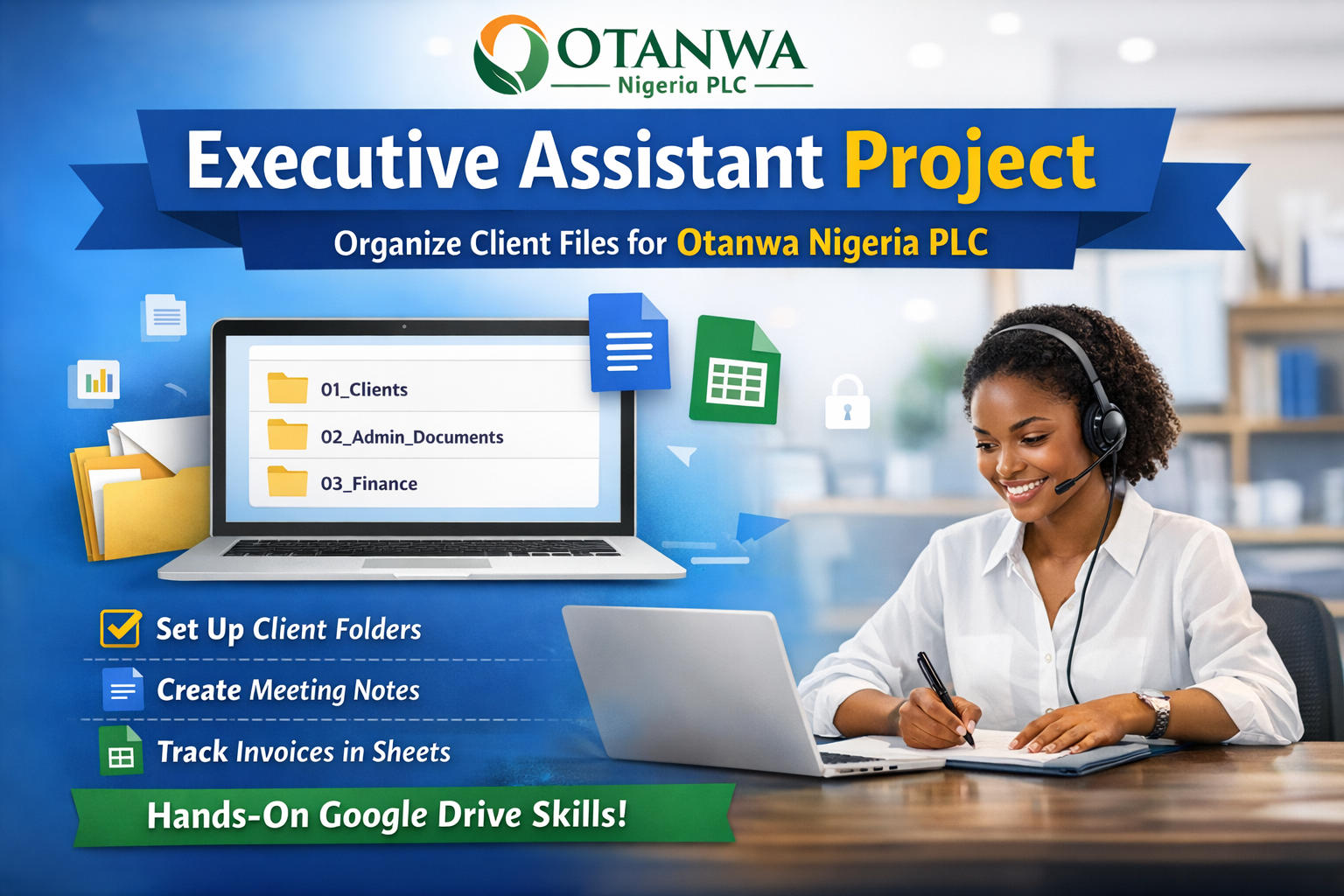
Executive Assistant File Management Project
If you fill you cannot achieve this project, kindly click here to watch a guide on how to go about it: Guide to use for this project: Click here to Watch the Guide
Project Scenario
You have been hired as an Executive Assistant at Otanwa Nigeria PLC, a consulting and services company that manages documents for multiple corporate and individual clients.
Otanwa Nigeria PLC currently has poorly organized files, mixed client documents, and no standard naming or folder structure.
Management has asked you to restructure their Google Drive, create new working documents, and ensure everything is easy to find, professional, and secure.
Please Ensure you watch the YouTube resource Below
Client Portfolio (Use These Clients)
Otanwa Nigeria PLC works with the following clients:
- GreenFields Agro Ltd
- Sunrise Microfinance Bank
- Zenco Logistics
- PrimeView Real Estate
- NovaTech Solutions
Project Tasks
Task 1: Create Folder Structure in Google Drive
Inside My Drive, create a main folder named: *Otanwa Nigeria PLC*
Inside this “Otanwa Nigeria PLC* folder, create the following subfolders:
- 01_Clients
- 02_Admin_Documents
- 03_Finance
- 04_Meetings_Reports
- 05_Templates
Task 2: Organize Client Files
Inside the 01_Clients folder:
Create one folder for each client using this format:
Inside each client folder, create the following subfolders:
Contracts
Invoices
Reports
Correspondence
Task 3: Create Google Docs (Per Client)
Inside the Correspondence folder of each client, create a Google Doc titled: (Example below)
**GreenFieldsAgro_Meeting_Notes**
Each document must include:
Title (Client Name + Meeting Notes)
Date of meeting
Attendees
Discussion Summary
Action Items
Task 4: Create Google Sheets (Per Client)
Inside the Invoices folder of each client, create a Google Sheet titled: (Example below)
ZencoLogistics_Invoice_Tracker
The sheet must contain these columns:
Invoice Number
Date Issued
Client Name
Service Description
Amount (₦)
Payment Status
Task 5: Create a Master Client Tracker
Inside the 02_Admin_Documents folder, create a Google Sheet named: (Example)
Otanwa_Client_Database
Columns should include:
Client Name
Industry
Contact Person
Email Address
Phone Number
Active Status (Yes/No)
Task 6: Create Reusable Templates
Inside the 05_Templates folder:
Meeting Notes Template (Google Doc)
Invoice Template (Google Sheet)
These templates should be clean, professional, and reusable for future clients.
Task 7: File Naming & Organization Rules
Students must follow these rules:
No spaces at the beginning of file names
Use underscores instead of random symbols
No files should sit loosely in the main folder
Every file must be inside the correct folder
Task 8: Sharing & Permissions
Share the Otanwa Nigeria PLC folder with the instructor
Set permission to Viewer or Editor (as instructed)
Ensure no files are set to “Public on the web”
Submission Requirements
Students must submit:
Shareable Google Drive link to the main folder
Confirmation that all folders and files follow instructions
Please ensure you Give “Viewer Access” anyone with the link
Deadline: 18th September 2026
As someone that have not gone through this type of training or used computer to this extent, it is very tasking. But, am committed to graduate excellently.
It was very exciting. Thanks for this.
This is a bit tasking but am determined to pull through.
Done successfully.
Congratulations Dear Stranger
This is really a great task to help us pratice,prepare and be ready when we get to face real clients.Thank you Mr Otanwa
help me with this assignment
I have done mine. It’s not really hard but creating reuseable Invoice template was quite tasking
Ella pls now help me with this assignment im really lagging behind in this class pls dear
Lovely initiative with real hands on experience. Keep it up
What is learning without practicing? Am in to attempt this cause I know if I make mistakes I get corrected and that is how I will grow in my chosen skillset
Wow, this is quite challenging and encouraging as well. The most beautiful part of this whole project is the encouraging and inspiring email from our able admin. Thank you so much for all you do.
Daddy wey dey pamper 😂
It was really tasking but fun, enjoyed every bit
Thank you Mr Otanwa it was a really hands on real life project.
It was a whole lot but I scaled through
I can do THIS
Am doing this
Some say it’s tasking. In truth I sincerely think that this is fun. It gih s the feeling of actually working for an organization. The fact that we are give a near real work experience makes it all the engaging
For those who don’t understand, they should watch the Google drive training video
The beautiful part is where you had to protect the files by setting restrictions
Take your time and also pay attention to details
I love the project, thanks
A project assignment
Very intersting project
Thank you for this assignment…. Honestly, it really boosts my morale. Please, continue the good work, hope we’ll be getting this type of task.
I’ve done mine 🙏
It was so interesting and a bit tricky, if you’re not careful you’d make an avoidable mistake. Although, it was a bit long but I really enjoyed it. Now, I can rest well before it’s dawn. Thank you, Honorable Doctor Otanwa & 5 br**stfeeding children PLC.
I’m excited to practice what I’ve learnt. Let’s down this!
Otanwa Nig PLC to the world. Thank you for your time and efforts 🙏.
Feels like I’m already hired to play this role in an organisation
It was fun using the different buttons on Google drive to create this project. In order to solve the challenge of file management OTANWA Nig PLC had experienced . I look forward to solving more organisational challenges
Am on it
Omo! E choke but it’s actually beautiful trying to rack your brain and personally troubleshoot problems and then arriving at the answer, it gives this joy and rest within😅
Thank you sir for this, we expect more
I enjoyed doing this
Started with my laptop and when it went out I had to keep waiting for electricity but it seems it wasn’t coming then I tried using my phone and it came out nice
It was fun all through for me and I’m proud I was able to give it a try
Please I’m @franklin, We are always grateful for all Michael has helped us with so far and hopefully we would easily navigate through this unto other tools.
This is truly a great opportunity to learn how to face the real world. It’s not easy but it’s worth doing. Thank you for the Opportunity Sir
I’m done with my assignment but am finding it difficult to submit, it keeps saying the site can’t be reached
I found the assignment engaging and practical, as it allowed me to apply organizational and documentation skills in a structured way.
i had so much fun working on this project.
i enjoyed every step. Thank you for being a Great Coach.
Wasn’t an easy one but did I pull through? Absolutely!!! Felt like a real workspace yunno😅
I’m done with my assignment, and I’ve been trying to submit since morning. They keep telling me site can’t be reached. Data is not the problem
I’m done with my assignment, and I’ve been trying to submit since morning. They keep telling me site can’t be reached. Data is not the problem i need help on this.
I’m really happy although it wasn’t easy was having up and downs I completed this project. Creating the folders, client trackers, and templates was exciting, and it feels great to have everything organized and professional.
Well done
Your comment has inspired those of us coming after you 😊
I enjoyed every bit of it.
Though I started late because I saw it late, I haven’t submitted but I hope I did it the right way.
im really happy i completed this peoject creating the folders, client trackers and template was exciting although it wasn’t easy it feels great im realky happy
I was doing this smiling 😀
Dear Dr Otanwa @Michael Scoffield, Thank you very much for your precious time and the effort in breaking down every detail. Although am a crawling student because of prevailing circumstances around me. Please be rest assured that your efforts will not be in vain. As always you are appreciated. Remain blessed.
I found out the deadline have past. Can I still do this project and submit it?
I luv challenges like this, I will get to work and try to follow the instructions.
I really enjoyed the challenge, it gave me hands-on experience in creating and organizing documents. I woke up this morning and said I’m starting my day with this and I did it. Thanks Dr Otanwa!
I found this tonight. Can I still do it?
With what you have taught us so far, this project is easy.
I feel like a Rockstar. Assignment done and dusted. Thank you Coach
I learnt a lot from this. Thank you Ewky
It’s been a great moment exploring and gaining knowledge and Tech skills🌹💝
This is not a child’s play. It actually taught me that paying attention to DETAILS is very paramount in this our training. Thank you so much Ekwy
Overall, this assessment taught me the importance of paying attention to detail. It reminded me to carefully read instructions, organize files correctly, and double-check my work before submitting. It also improved my confidence in using Google Drive, Google Docs, and Google Sheets, and helped me better understand the importance of accuracy and organization in a virtual Assistant role.
It was indeed a task given to us and i love how it helps me pay close attention to information. Thank you for this task given.
I am indeed glad, and grateful to God that I finally submitted the project.
I pray for God to continue blessing Digital Witch and her team for the good job you are doing here, and to finally see us through this training, with a huge success.
Thank you Digital Witch
Had fun doing this until my phone couldn’t download more. But the little I did will be sent. Once I get a laptop I must finish this project
As a musician, this is a very challenging project for me to do. I have finally seen what will keep me up throughout the night that isn’t about music.. thank you so much, Ekwy and thank you Dr. Otanwa for the lessons.. I look forward to the next project that’ll be given, Many Thanks!
Good web
Good website And I love
I enjoyed my time here it was quite seamless
I have really learnt and am still learning a lot from this platform.
I believe there is more to explore. Thank you, Digital Witch. Thank you Otanwa.
This was actually my first time playing around with this tools and I must confess,it was a little tough going through Google Sheets but with consistency I overcame the challenges and finally submitted my project. Even though the deadline for this project has long passed, I was committed to completing the challenge and I pray to focus and continue learning and practicing. Thank you Dr Otanwa 🙏
This project was a bit tough but thank God I found my way around it.
I must say paying attention to details is very important, it’s not by having a tool and not knowing how to use it. Thanks for this shared knowledge and ain’t backing. Ahead, ahead I’ll go only with your guide and with God’s help. I m already seeing myself doing better in a year to come. Thanks Mr Otanwa
Very easy… finished mine under 30mins… 🙄
After completing the Google Drive project given to us today, I learned the importance of carefully reading instructions before starting any task. Instructions provide clear guidance and help’s you understand exactly what is expected, making it easier to complete the project correctly and efficiently.
There no harm in trying, will put in my best
There no harm in trying, will put in my best!!!
Thanks
It’s actually a tough one but with full attention to the explanation and description given I did my best.Please let me know where I did well and where I need to work on.Thank you the one and only Mr Otanwa
At the end of it all,I did my best
I have done the much i can, i am open to learning more with good energy