

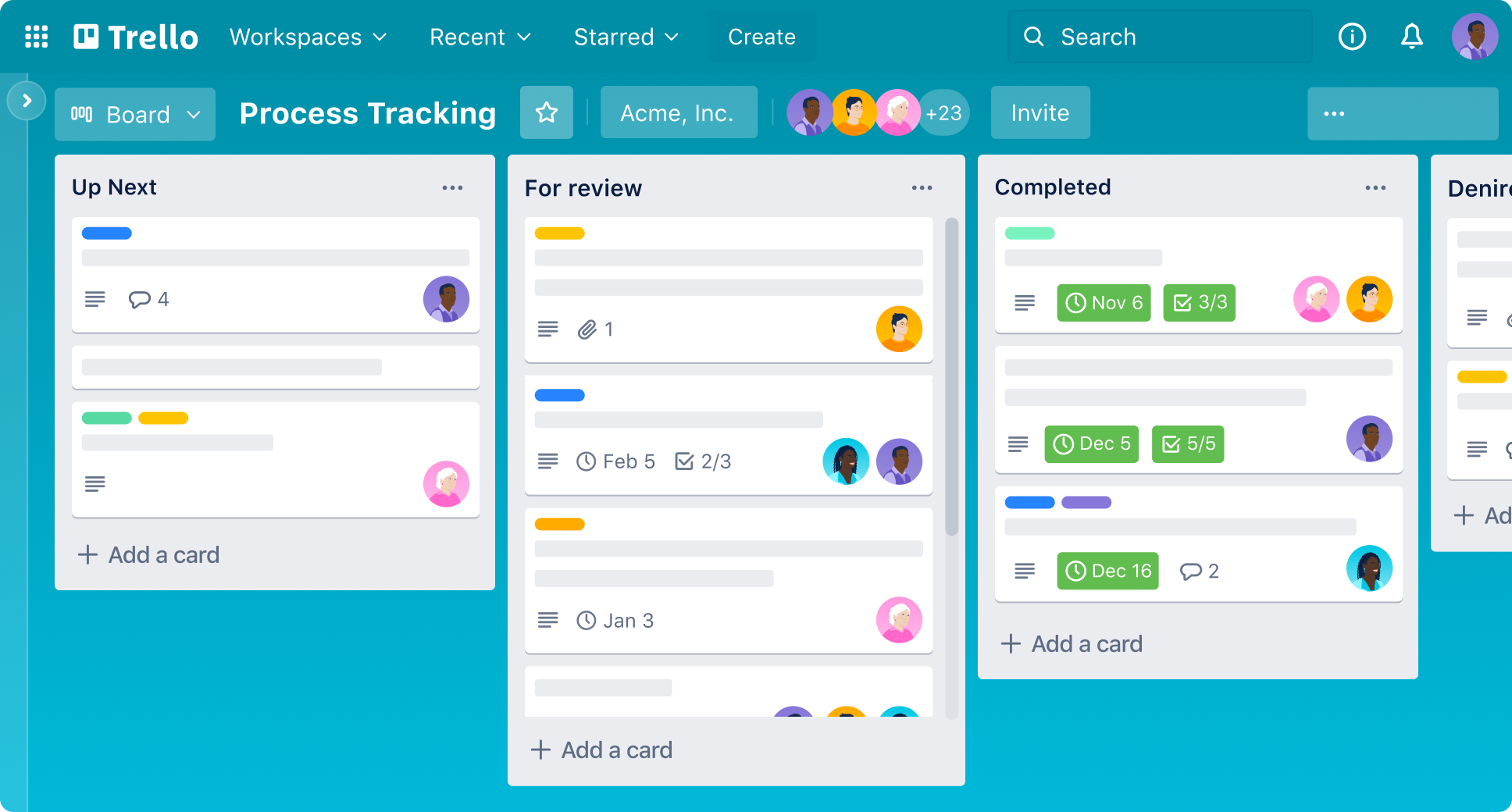
This project matters because it turns Trello from “a place to list tasks” into a real team workflow where work is visible, owned, and automatically communicated. Using a simple Kanban-style board (Up Next → In Progress → Complete) helps them track status at a glance and build the habit of moving work through stages, not just writing it down
Project Resources: Please watch the Video below to gain accurate knowledge for this project
Project brief (what to build)
-
Create a new Trello board named CloudMita Cookery.
-
On the board, create 3 lists: Up Next, In Progress, Complete.
-
Create at least 5 cards under Up Next.
Card requirements (what every card must contain)
For each of the 5+ cards:
-
Add a clear Description (1–3 lines is fine).
-
Add a Checklist (at least 3 items).
-
Assign members to cards:
-
Yourself (with your email)
-
Francis — [email protected]
-
Susan — [email protected]
-
Slack automation (what must happen)
Set up an automation so that when any card is moved to the “Complete” list, Trello automatically posts a message to Slack (ideally to a specific channel like #general).
Tip for how to phrase the rule in Trello Automation/Butler: use a trigger like “when a card is moved into list ‘Done’…” and an action like “post message to Slack channel…”.
Screenshots to submit (3 items)
They must take and submit screenshots of:
-
The cards (showing at least 5 cards in “Up Next”).
-
Checklist & Description (open one card so the description + checklist are visible).
-
Board (showing the board name “CloudMita Cookery” and the 3 lists).
- Slack automation (Showing successful delivery from trello to slack Channel)
=============================================
Trello Cards to Use for this Project
-
Grocery Shopping & Ingredient Restock
-
Prep & Marinate (Meat, Fish, Veggies)
-
Cook Today’s Menu (Main + Side)
-
Plating, Photos & Taste Check
-
Packaging, Delivery/Serving & Cleanup
=============================================
Trello Description & Checklist to Use
1) Grocery Shopping & Ingredient Restock
Description: Confirm the menu, check what’s already available, then buy only what’s missing. Keep receipts and note any substitutions.
Checklist:
-
Confirm today’s menu and servings count
-
Check pantry/fridge and list missing items
-
Estimate budget and set spending limit
-
Buy ingredients (include spices/seasoning)
-
Confirm alternatives for any out-of-stock items
-
Upload receipt photo / note total spent
2) Prep & Marinate (Meat, Fish, Veggies)
Description: Wash, cut, and measure ingredients. Marinate proteins and label items so cooking is faster and cleaner.
Checklist:
-
Wash and cut vegetables (separate by recipe)
-
Clean protein (meat/fish/chicken) safely
-
Mix marinade/seasoning blend
-
Marinate protein (set timer for resting time)
-
Measure key ingredients (oil, salt, spices)
-
Clean prep area and store items properly
3) Cook Today’s Menu (Main + Side)
Description: Cook the main dish and side dish following the planned steps. Track cooking time and adjust seasoning carefully.
Checklist:
-
Preheat stove/oven and set cookware
-
Cook main dish (follow steps in order)
-
Cook side dish (timing to finish together)
-
Taste and adjust seasoning (salt/spice)
-
Confirm texture (not overcooked/undercooked)
-
Turn off heat and set food to rest
4) Plating, Photos & Taste Check
Description: Plate the food neatly and capture clean photos for content. Do a final taste check before serving or packaging.
Checklist:
-
Plate food neatly (portion control)
-
Wipe plate edges for a clean look
-
Take 5–10 photos (top + side angles)
-
Capture short video clip (optional)
-
Final taste test and confirm quality
-
Write a quick note: what to improve next time
5) Packaging, Delivery/Serving & Cleanup
Description: Pack food safely (or serve), confirm delivery/hand-off details, then clean and reset the kitchen.
Checklist:
-
Choose appropriate containers (leak-proof)
-
Label packs (dish name + date/time)
-
Confirm delivery/serving location and time
-
Hand off / deliver and confirm received
-
Wash dishes and sanitize surfaces
-
Dispose trash properly and reset kitchen
=============================================
Submission Deadline: March 28th
Submission Link: Click Here to Submit
No submission link for the project
Read closely
i want to use the opportunity to thank you for giving this opportunity to be able to learn more using trello.
Hello sir,
This link contains my full CloudMita Cookery Trello project submission.
All screenshots and automation setup are included
Thank you!
– Onyejiaka Precious
https://drive.google.com/drive/folders/1u2lgUYmfWpKaeDIG70Nht2ar-VIVhMK4?usp=sharing
Thanks for always creating structured yet fun projects which helps me explore each tool seamlessly
I haven’t been chanced cus of work and I’m so glad that I’m beginning to follow up, when I’m done with this one, I’ll be doing project 1&2… May God continue to bless you 🙏
Thank you Michael for a well detailed videos, you are truly a God sent and you know how to break it down to a layman’s understanding…your tutorial videos helps a lot 🙏thanks and God bless you.
Thanks Mr Michael I sincerely apologize for not meeting up the deadline challenges are coupled with work, family my children precisely and no good phone, I’m just lagging behind generally but I will try this project now and submit thanks , God bless you sir
Thank you so much for the tutorial, and I’m sorry for the late submission of Project 3.
Submitted very late but I’m glad I tired it out